
How to Search Cases by Name
For a St. Louis County name search, start at the statewide portal: Minnesota Court Records Online. It is known as MCRO. Accept the terms screen first. Then pick the Name search mode, and use the location control to narrow the docket results to St. Louis County if that helps. Treat any name result as a lead. Before you open a Register of Actions, check the party role, the court location, the filed date, the category, and the full case number. That confirms you have the right court docket.
- Open MCRO and accept the public-access terms.
- Choose Name, then enter the known last name and first name.
- Use the St. Louis County location, filing-date, category, or status filters only when they help separate similar results.
- Open a matching Case Details record and preserve the complete case number for later work.
Two helper tools can widen a name search in MCRO. After two characters you can use a wildcard. There is also a Sounds Like option for tough spellings. Avoid combining them, since the results get messy fast. A middle name or a date-of-birth range can sharpen things when the public interface offers those fields. And keep one caution in mind: a spelling that comes up empty does not prove the court record is absent from the St. Louis County docket.
| Field | Type | Required | Use |
|---|---|---|---|
| Last Name | Text | Unspecified | Core name-search field; use exact spelling first. |
| First and Middle Name | Text | Optional | Add detail when the name is common. |
| Filed Date | Date or range | Optional | Narrows the time period without changing the record. |
| Case Category and Status | Filter controls | Optional | Use only displayed choices; the accessible capture did not list every status value. |
St. Louis County MCRO Case Lookup
MCRO gives you four distinct ways to run a case lookup: Name, Case Number, Citation Number, and Attorney. Each mode matches the identifier it was built around. Name searching shines when you hold few details, while Case Number and Citation Number demand complete identifiers. The Attorney mode takes a lawyer's name or full bar number, and it carries the same handy filters for date, category, status, and location.
The Minnesota Judicial Branch MCRO overview describes the service as a public access layer, not the court's full internal case-management system. Case Details is where public events and open documents appear. For an upcoming setting, go to the separate Hearing Search instead of assuming a case result includes the current court calendar.
The MCRO Case Search page is the official public portal itself, and it is the remote starting point for this St. Louis County case lookup rather than a stand-in for the clerk who keeps the record.
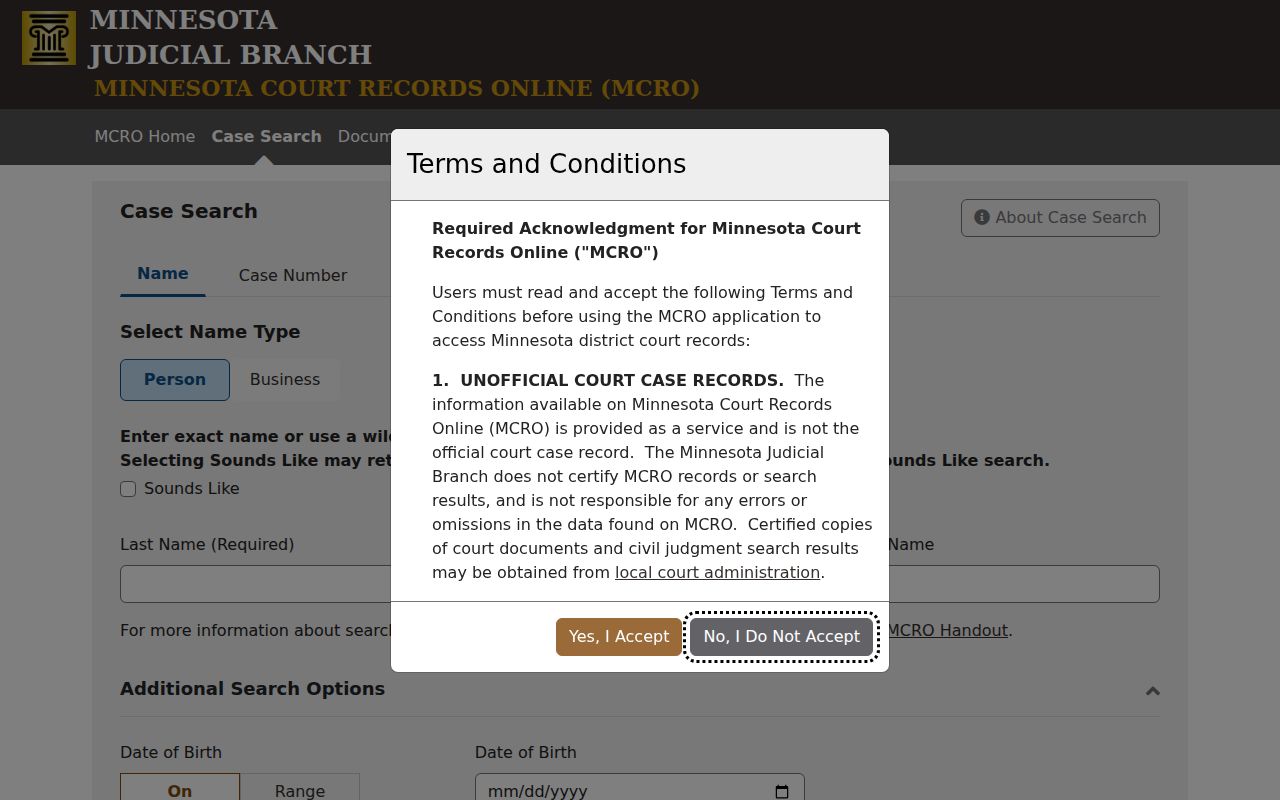
That portal fits the search workflow as the remote entry point. It does not replace the clerk as the keeper of the St. Louis County court record.
How to Search by Case Number
A full Minnesota state case number opens the most doors. In MCRO, choose Case Number, and type the identifier exactly as printed. Search statewide or at one court location. Dashes and leading zeros are fine. Spaces are not. A partial number triggers an error, so when a digit looks doubtful, confirm it with court administration instead of guessing.
Copy the number straight from the citation, notice, calendar, or other court paper. No single short format works for every St. Louis County case category, and the portal publishes none. Keep the full state number exactly as received, such as complete case number from the court notice, rather than inventing a local pattern that may not match the record.
St. Louis County Case Search Filters
Filters sharpen a St. Louis County case search without changing what the court recorded. Name mode accepts an exact date of birth or a date range. It also allows limits on filing date. Categories cover civil, criminal, family, probate, and mental health. Court Locations can stay statewide or narrow to St. Louis County.
Status appears as a dropdown. Its fixed values are not published in advance, so check the current MCRO choices when you run the search. Remember that a status label is just one field. The Register of Actions, along with any public order, tells the story behind a pending, closed, or dismissed label.
- Register of Actions
- Minnesota's procedural list of the action's origination, activities, proceedings, and filings.
- Case Details
- The MCRO view that organizes public case information, events, and available documents.
- Hearing Search
- A separate MCRO search for hearing information, not a replacement for the case record.
What a Case Search Shows
Open a case in MCRO Case Details and you may see the case number, category and type, court location, parties or participants where public, attorney information, filing data, scheduled hearings, the judicial officer, register entries, available filings and documents, financial information, and judgment details where they apply. Criminal and traffic records can also show public bond or bail activity, later disposition entries, and financial events. How much appears depends on the case, the date, and the access rule in play.
| Case number | The complete identifier used to match a result and request a record. |
|---|---|
| Location and category | The St. Louis County facility and case type shown by the court. |
| Register entries | Public filing, hearing, order, disposition, or later case events in sequence. |
| Hearing fields | Date, time, location, judicial officer, type, and connection information when listed. |
| Documents and financial data | Public attachments, document index entries, and displayed financial information where the rules allow. |
For the Judicial Branch's own account of what MCRO can display, see its MCRO information page.
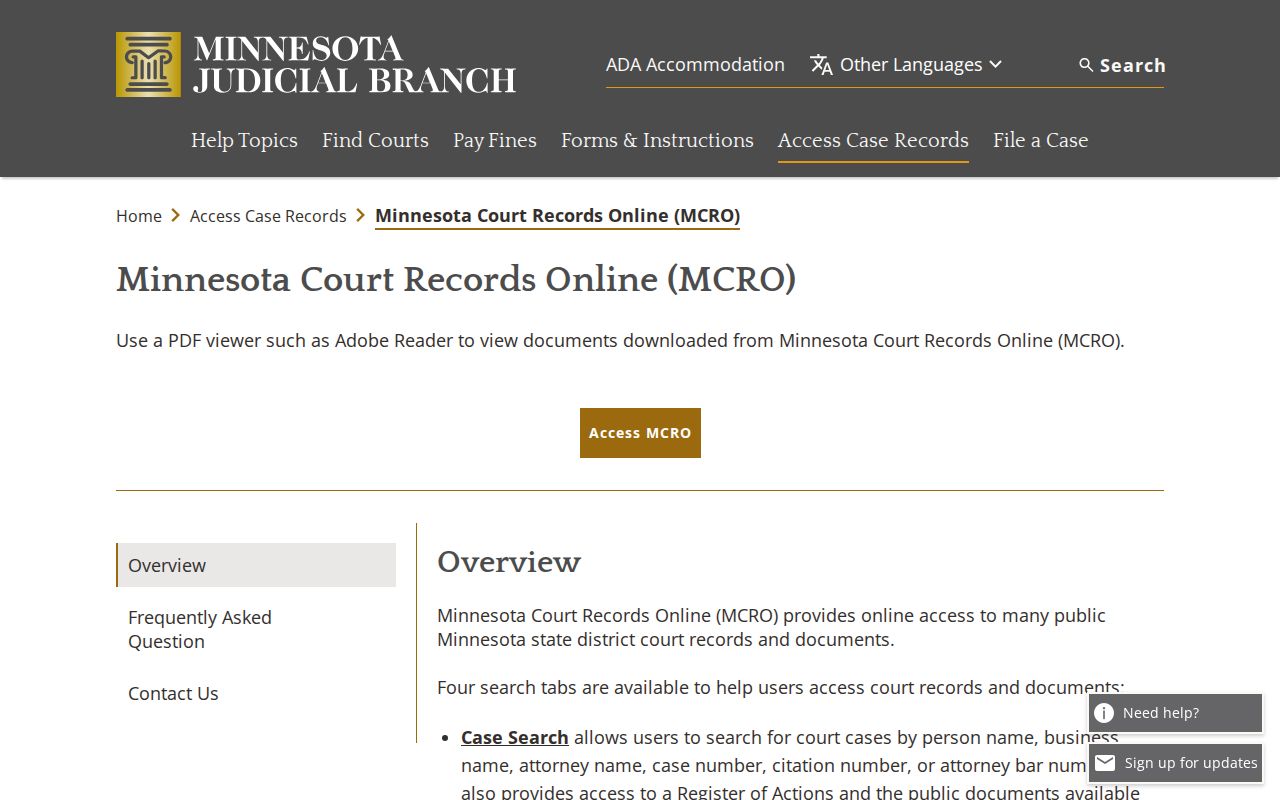
A remote search result and the court's own record are two different things, and the line between them matters when you read a docket.
St. Louis County Case Detail Limits
A St. Louis County case lookup shows more than a calendar row, but it never proves that every paper in the file is open to you. An index entry can list a document without the attachment itself. Records filed on or after July 1, 2015 are widely available online for qualifying major and minor civil and criminal cases, plus certain probate, guardianship, conservatorship, and trust matters. Family and paternity files get a narrower remote window. Older records may still take a courthouse terminal or a copy request.
The gap matters when a lookup returns a hearing. A hearing entry means a setting was scheduled. It says nothing about what happened there. Before you describe any outcome, read the later register entries and any public order. Context comes from the court's public record, never from a search-result title.
County vs Statewide Case Search
St. Louis County posts no case-search database of its own to replace MCRO. MCRO is the statewide layer. It is the practical way to run a county-filtered docket search. Pick St. Louis County to narrow the results. Keep the search statewide when a case might have a related filing somewhere else. The county's three District Court locations still hold their own records locally.
| MCRO statewide search | MCRO with St. Louis County selected |
|---|---|
| Searches the public statewide system by the selected identifier. | Uses the same system while narrowing results to the county location. |
| Useful when court location is unknown or a matter crosses counties. | Useful when a known St. Louis County case must be separated from similar names. |
| Still limited by public-access rules and indexed data. | Still not a substitute for an official certified copy or local access determination. |
St. Louis County Case Search and PACER
MCRO does not reach federal civil, criminal, or bankruptcy files. Those live in separate systems. That includes PACER and the federal court's CM/ECF docket. A federal case number is not a Minnesota state case number. A PACER result therefore has no place being described as part of the St. Louis County District (Trial) Court Register of Actions. For a separate federal lookup, use the official PACER Case Locator.
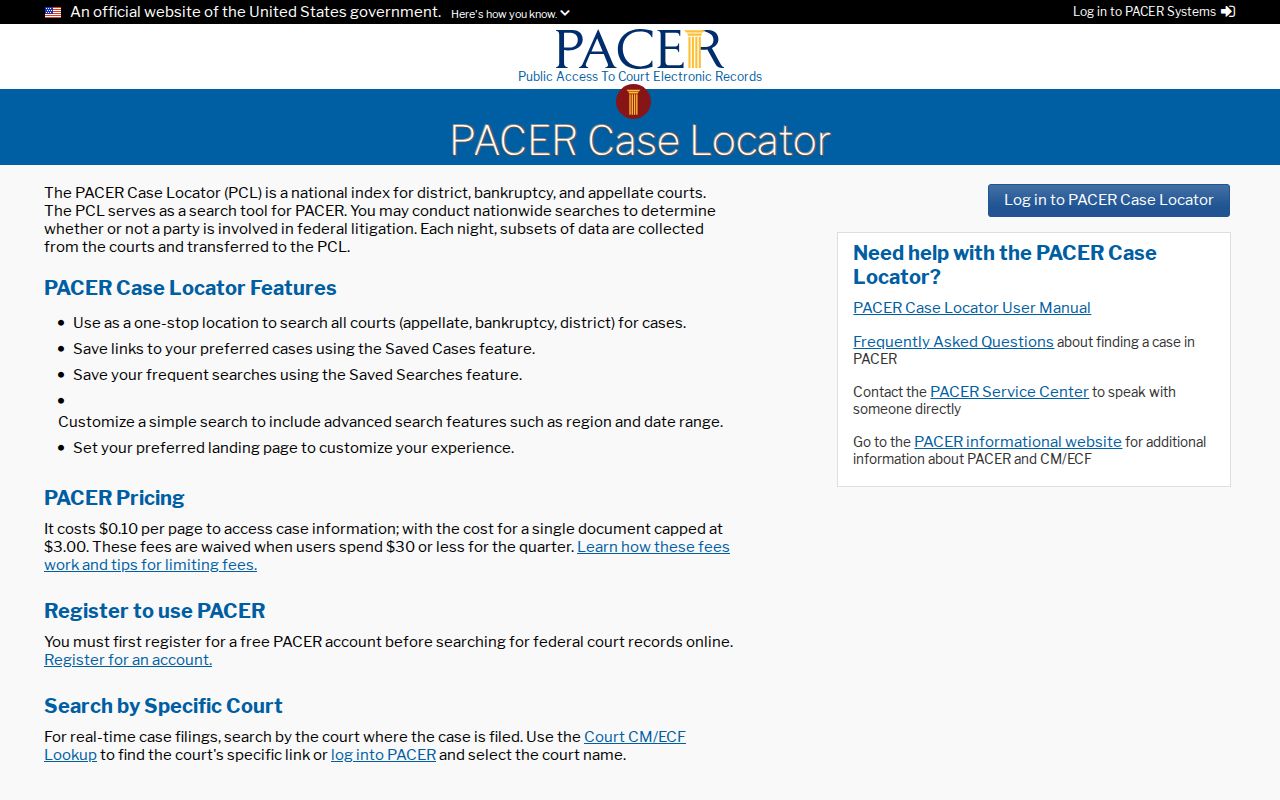
The federal locator is a useful side lead. It neither replaces MCRO nor changes the public access rules for Minnesota court cases.
St. Louis County Case Search Boundaries
The Minnesota Rules of Public Access set what may be shown online. Rule 8.2 leads that list. Personal identifiers stay protected. Domestic-abuse, harassment, delinquency, child-protection, and related records carry extra limits. A family or paternity register may display court-generated orders and notices. Party-submitted materials stay off the remote view. Sealed and expunged matters follow their own access treatment.
The block on name searches for pending criminal defendants is deliberate. Rule 8.2(c) aims to stop public name searching of pending criminal matters. A case number, a citation number, an attorney search, or a lawful courthouse inquiry may follow a different route. Yet none of them unlocks a protected record. For the binding text of these limits, read the current Rule 8 text.
Restricted Cases and Access Rules
When MCRO returns nothing, treat it as a question rather than an answer. The case could be protected, sealed, blocked from name searching, confidential, or older than the remote-document period. It could simply not be indexed yet for that search method. A blank result does not mean no case exists. A name hit cuts the other way too. Match it to the real case number, role, date, and St. Louis County location. Do that before trusting it.
Rule 8.1 allows public inspection where the records are normally kept, during regular hours, subject to access restrictions. Anyone wanting a formal access call should give court administration the case number. Include the location and the document type. The court can explain access and copy logistics. It cannot hand out legal advice or change an entry just because you ask.
St. Louis County Case Search Fallbacks
When the online search falls short, go local. Court administration in Duluth, Hibbing, and Virginia each has a public-access court-records computer. The terminals matter. The on-site view is deliberately wider than what MCRO shows at home. Bring the best identifier you have. That means the full case number, party names, the rough filing year, the location, and the exact entry or document you want.
The Sixth District Copy Center takes electronic copy requests for county records as well. State the file number or year, the document, how many copies, and whether you need certification. For copies and access questions, the court custodian beats a commercial profile or any unofficial summary.
St. Louis County Case Search Sessions
MCRO opens with a terms screen and a session prompt. Click "Yes, I Accept," then "Yes, Continue," and the public search controls appear. Find runs the search. Clear resets everything. These steps count. A session that failed is not the same as a failed St. Louis County case search. CourtListener can surface some federal opinions and filings, but it is not a complete official record, and it is no route at all to Minnesota District (Trial) Court cases.
Federal records sit apart from the St. Louis County case search workflow. Keep them out of any MCRO result.
St. Louis County Case Research Method
Write down the full case number before anything else. Add the date you ran the St. Louis County case lookup, then work through the Register of Actions from the top. Read it in order. A filing only shows that someone asked the court for something, and a calendar entry is just a scheduled date, not what happened in the courtroom. Status words matter less than the event entries sitting under them. Cases stuffed with hearings, motions, and fee entries reward this slow, line-by-line read of the docket.
Need a certified copy instead of a plain download? Go through the court's copy process. The St. Louis County Court Record Search page walks through the request options and the different copy categories the clerk provides.